


How to Order Course Materials
How do I order my course materials?
Please click the Textbooks tab or Click Here to find your required materials for each course. You can quickly lookup by Course or Student ID.
Do I need to purchase ALL of the course materials listed for my courses?
Course materials are labeled by your instructor:
- Required or Choice: Must be purchased to complete the course.
- Instructor Recommended: Optional resources to help you succeed.
- Optional: Listed by the bookstore as alternative components, such as access codes.
How do I look up my course materials with a course schedule?
1. Select term, department, course, & section.
2. Click the Lookup Courses button.
3. View course materials & click Add to Cart.
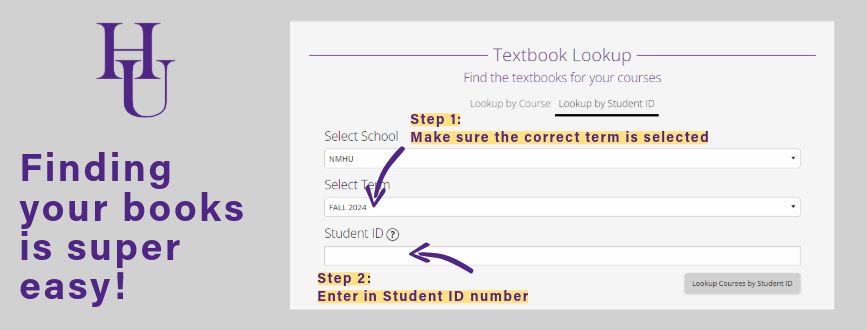
Or using Student ID:
1. Select term & enter your student ID.
2. Click Lookup Courses by Student ID.
3. View course materials & click Add to Cart.
Haven’t found what you’re looking for?